
Your community, better coordinated.
An organised space for your property manager, chairperson and residents. Each person sees what they need to move work forward.
Are you a property manager?
Request access to manage your communities. Homira reviews your application before approval and invitation. Residents and presidents join through their community manager.
Property manager · Request accessYour communities, in one place.
See communities, residents, open cases and completed work. Each manager accesses the information assigned to them.
Your management at a glance
Example of activity across communities, residents and jobs.
- 01
Keep work in context
Organise cases and documents by community.
- 02
Coordinate people
Register communities and residents; assign the chairperson role.
- 03
Decide the next step
Review communal issues and assign the responsible company.
Keep a record of every approval.
Quotes, permission to start work and payment approval are separate decisions. A chairperson may approve within the scope of a valid delegation.
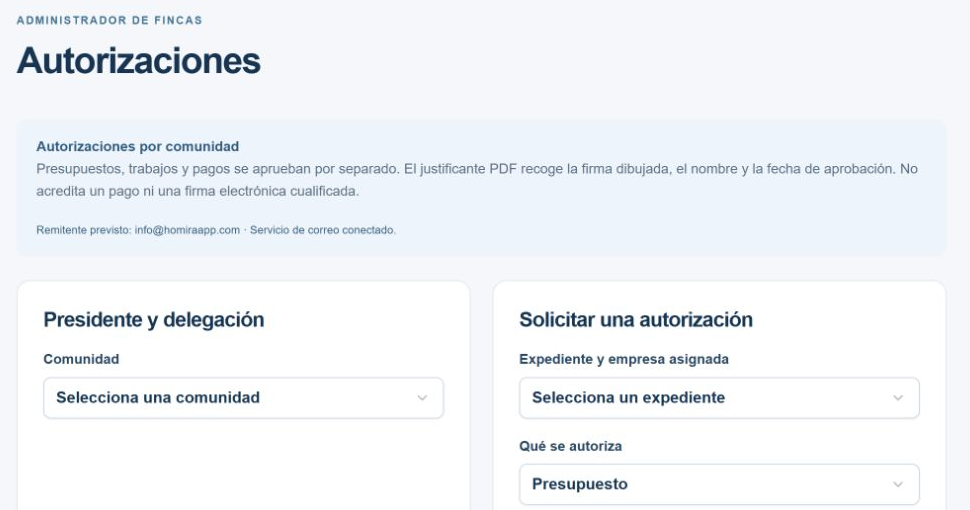
- 01
Choose the approver
The manager configures the chairperson’s delegation for each community.
- 02
Record approval and signature
The record includes identity, date and a drawn signature when provided.
- 03
Keep the approval receipt
A PDF is linked to the case, available according to permissions and can be emailed to the company.
The PDF is an approval record, not proof of payment or a qualified electronic signature. The company can only consult receipts for its own jobs.
Report an issue. Follow its progress.
Describe the problem, add its location and attach photos or videos. Separate communal issues from repairs inside your home.
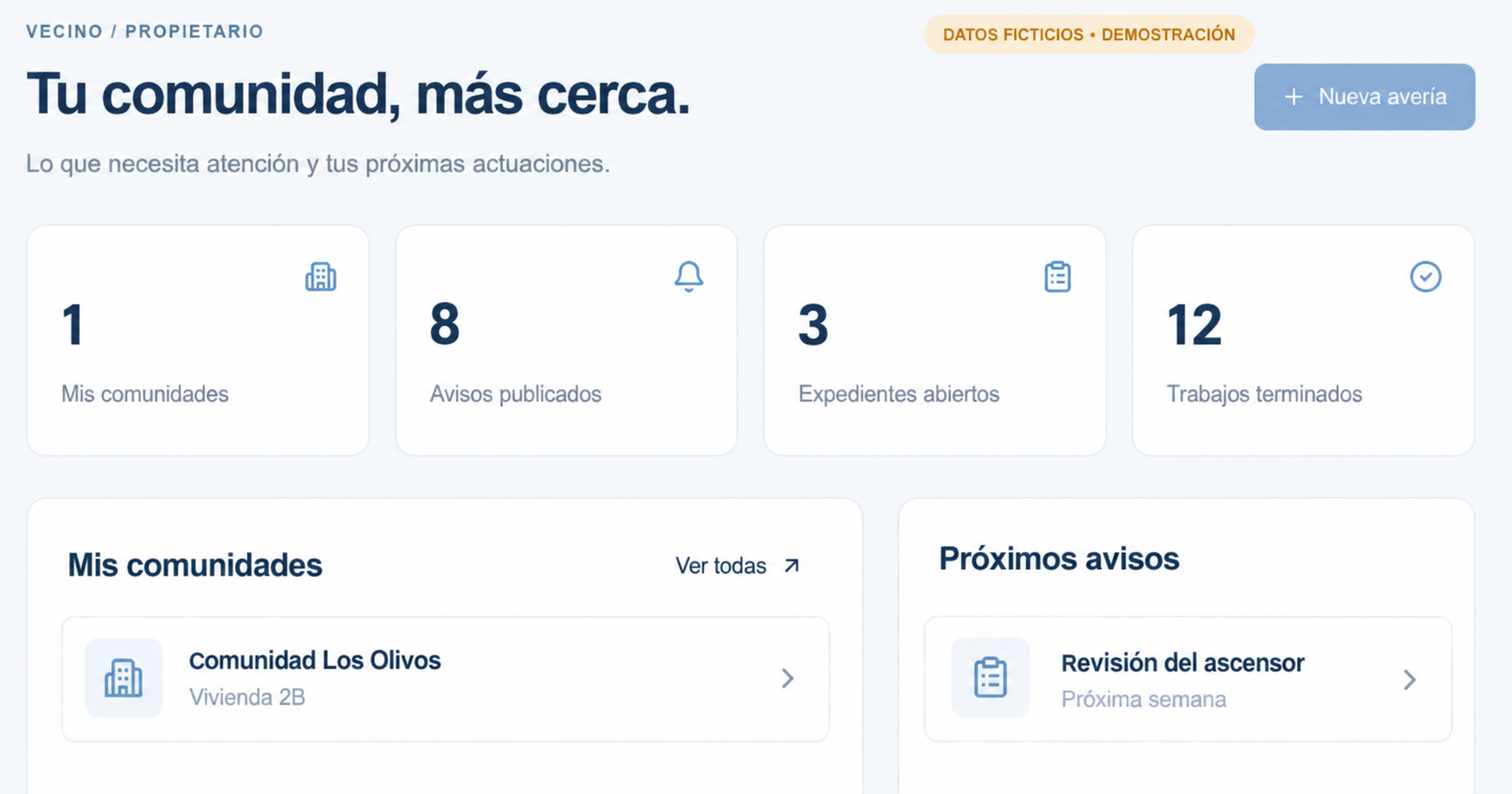
- 01
Show the problem
An overview and a detail photo help explain the issue.
- 02
Follow your case
See the status, comments and documents available to your account.
- 03
Stay informed
Read the notices and documents shared with you by your community’s managers.
One fee for your community. Benefits for every resident.
Enjoy a six-month free trial, with no upfront payment and no card or bank details required.
After the trial, the community pays a single platform launch fee of €7.30 + VAT per month, with no additional resident subscriptions or fees for contacting companies.
Residents benefit from Homira’s company directory free of charge, for repairs to communal areas and to their own homes. The price of any work is agreed and paid directly to the company, separately from the platform fee.
Professional registration and receiving job requests remain free, with no job commissions.
Activation is coordinated with Homira. Browsing this website does not activate a trial or a subscription.
Your space, with your permissions.
The CRM operates with authorised Homira accounts. Homira reviews company and property manager registrations; residents are linked to their community by its manager.
Creating a profile does not automatically grant access. You need an invitation and an approved profile. Read and accept the terms before carrying out operations; they remain available in your account.
Check the company’s documentation.
Homira reviews access applications; this does not certify a company’s qualifications, registrations or insurance. Before contracting, request and check the documentation required for the work. The professional remains responsible for its validity and performance of the work. Homira retains its own legal responsibilities.
See requirements and responsibilities →